
We’ve finally got some buttons up! So if you want to spread the MSQC love over at your slice of web space, here’s a couple options:

CODE: <a href="https://missouriquiltco.com"><img src="https://msqcblog.wpengine.com/blinks/200pxblink.gif"></a>

CODE: <a href="https://quiltersdailydeal.com"><img src="https://msqcblog.wpengine.com/blinks/175qddblinkie.gif"></a>
Thanks for the support!
UPDATE—————————– A little help here
If you are implementing a blinkie into a Blogger blog, just login to your account, then click on the layout tab and get to the section that shows your “Page Elements” and on that page you should see an outline of how your page is layed out. On the right (or the left in some cases) you will have everything in your sidebar. A block for Archive, or picture, or followers, etc. At the top of that sidebar is a block that says “Add a Gadget” and if you click that, it will pop up with a window to help you add a gadget. If you choose the “HTML/JavaScript” block, you can then just paste the ‘code’ that is in the post into the content section. Give it a title (Missouri Star Quilt Company is loved by me! or something like that 🙂 hit ‘SAVE’ and bam, you’re done!
Hope that’s not too confusing. Good luck!
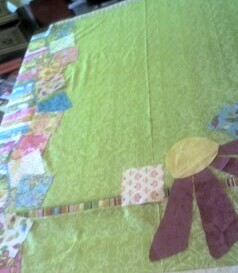
 it’s Bloom by thimble blossoms 🙂
 I’m going to have it finished and in the shop to be quilted this weekend! Hurray! I’m using
  Here’s a closer shot of the big flower and the colors I’m thinking of using for the little flowers to be appliqued around it 🙂 So cute!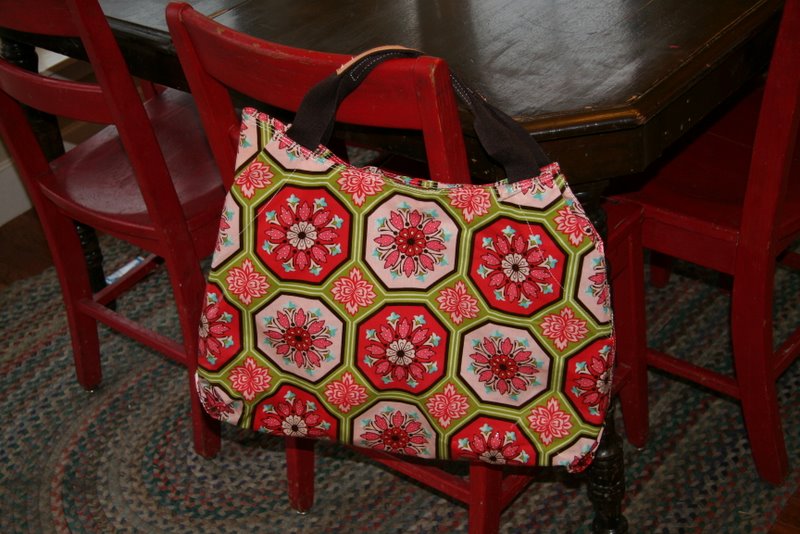
 Isn’t it darling? Thank you. Thank you very much.
 I was browsing the web recently and found a
 Now you can turn your squares…and there you have it…the disappearing nine patch! Be creative…you can do this any way you want to. There are several different ways to lay this out. I will be trying different patterns and will post them when they are ready! So here’s the layout we finally decided on for this quilt….
 I am adding borders and will show you a picture of that when I am done, and before I quilt it!!